Select a Workspace
A workspace in mockforme is a secure, private space where teams can collaborate, organize collections, and share mock APIs.
Why Workspaces Matter
- Each workspace functions as a separate organization
- APIs, collections, and settings are isolated per workspace
- You can belong to multiple workspaces with different teams
How to Select a Workspace
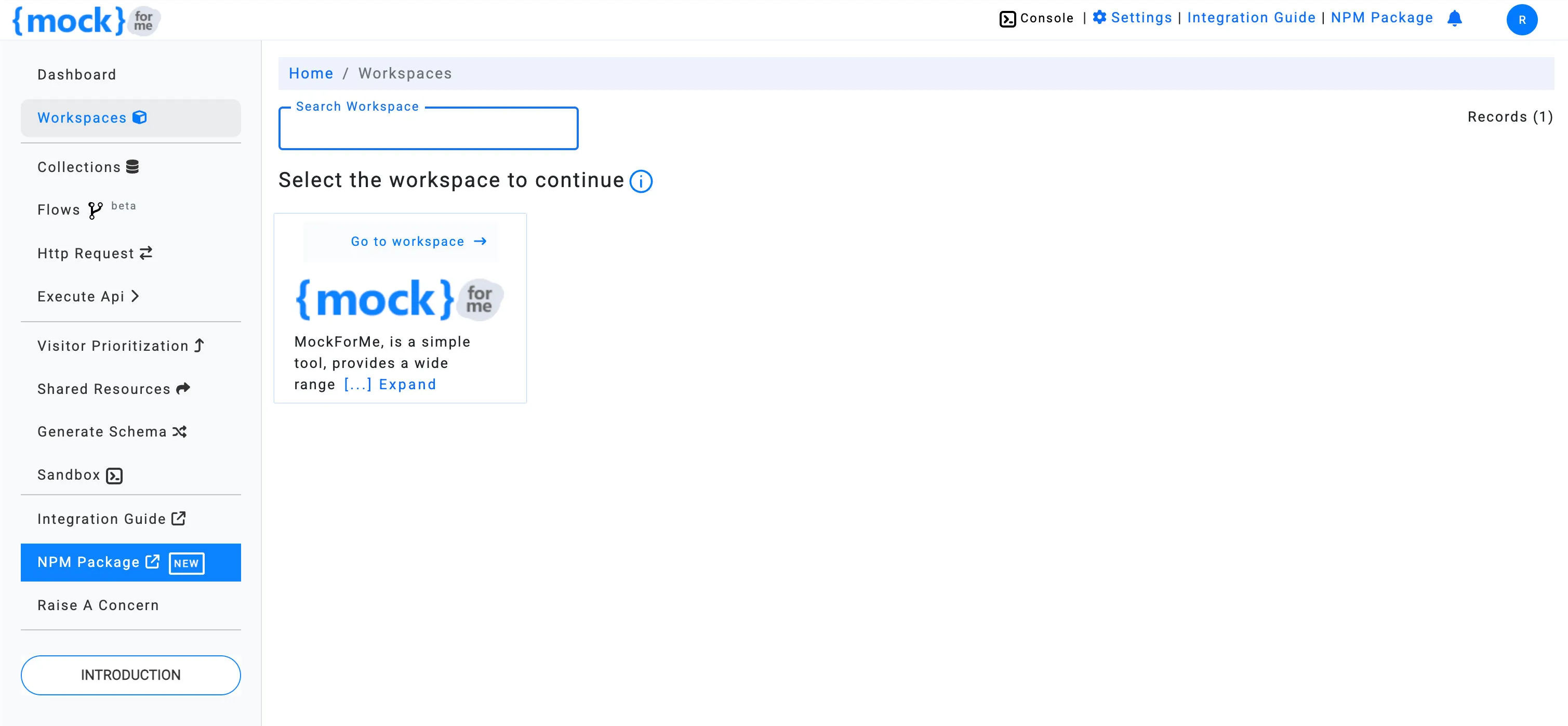
When you log in to mockforme, you’ll be taken to the Workspace Selection page. Here, you can choose from the list of workspaces you’re a member of.
info
You must be a member of at least one workspace to create or manage mock APIs.
Go to Your Workspace
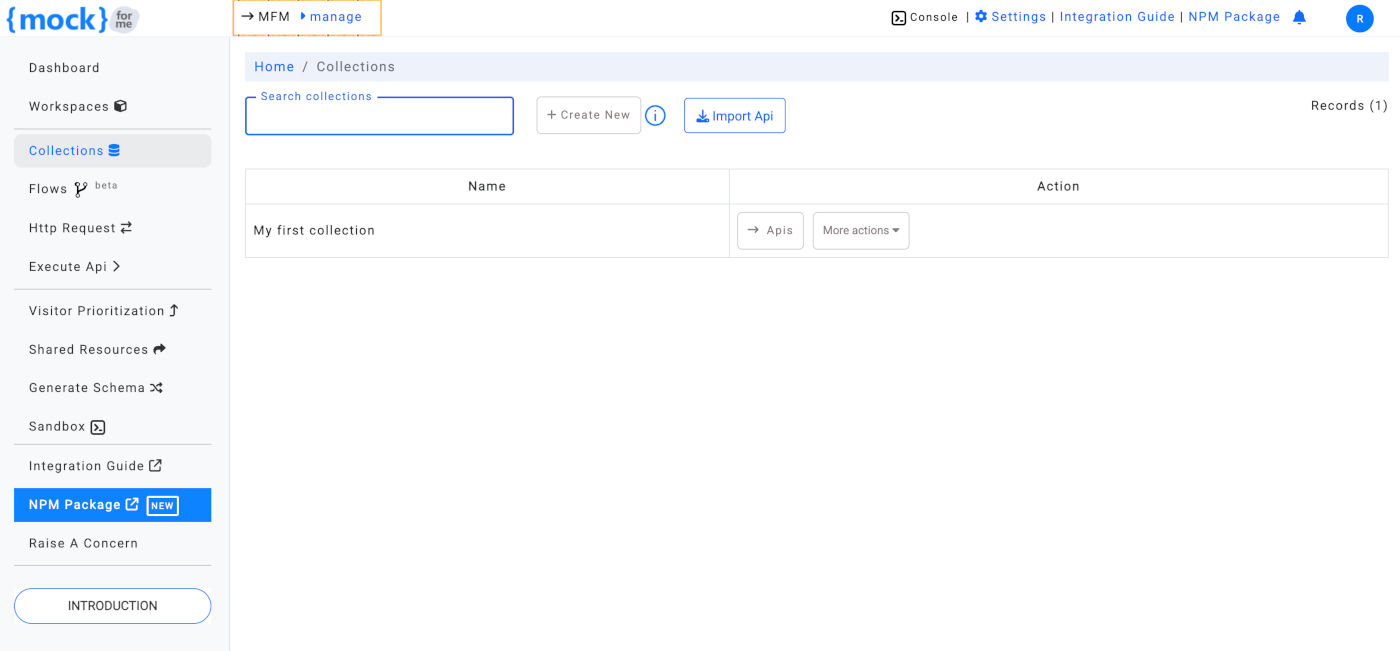
Once you click on the Go to Workspace link, you’ll be redirected to the Collections page, where you can start managing APIs.